
DS 3: In the event of a breakdown / Changing a fuse
DS 3 2016-2026 Owners Manual
 Rear lamps
M..
 Accessing the tools
The extraction tweezers are located behind the
fusebox cover.
Depending on version:
Unclip the cover by pulling at the top left, then
right.
Remove the cover completely...
Other information:
DS 3 2016-2026 Owners Manual: Steering mounted controls
Voice control: This control is located on the steering wheel or at the end of the lighting control stalk (depending on equipment). Short press, system voice control. Long press, voice commands from smartphone or CarPlay®, Android Auto via the system...
DS 3 2016-2026 Owners Manual: Persistent warning lamp
If a red or orange warning lamp comes on, there may be fault which needs further investigation. If a lamp remains lit The references (1), (2) and (3) in the warning and indicator lamp description indicate whether you should contact a qualified professional in addition to the immediate recommended actions...
Categories
- Manuals Home
- 1st Generation DS 3 Owners Manual
- 1st Generation DS 3 Service Manual
- Stop & Start
- Service indicator
- Door mirrors
- New on site
- Most important about car
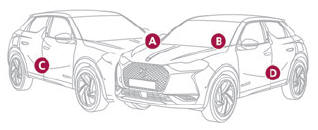
Identification markings
Various visible markings for vehicle identification and vehicle search.

Copyright © 2026 www.ds3manuals.com